Images / PRACTICAL GUIDE
Changing a product background in Nano Banana and checking the details
The background is tidier, but the cap has changed? Here is how to request a new setting and check that the listing still shows your actual product.
A beautiful background does not mean a finished product listing
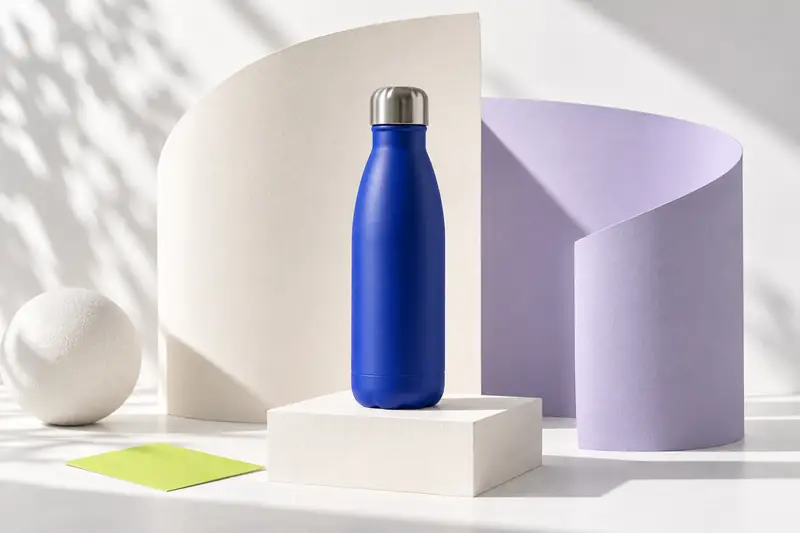
An outlet and the edge of a box clutter a thermal-bottle photograph. Asking Nano Banana to replace the setting can remove them. But inspect the bottle after the edit too: the cap's ridges might change, or the seam near the base might disappear. For an advertising sketch, that may be minor. For a listing of a particular product, it is a reason to redo the image.
Nano Banana can edit an uploaded image using a text prompt. Below is a workflow and checking criteria for one task: a new background without changing the product.
Keep a reference for comparison
Choose a shot showing the whole object and a distinct edge. If the cap disappears into shadow and the bottom is cropped out, you cannot check those areas after editing. Take the sharpest source, save it separately and work from a copy.
Before uploading, list a few distinctive features. For the example bottle, these are the narrowing neck, silver cap, seam at the base and matte blue finish. For a bag, they might be handle count, clasp and stitching. This becomes a short acceptance checklist: if a seam vanishes or the clasp changes, the variant fails, however good the lighting.
- Check edge sharpness, lettering and small fastenings.
- Choose the card's aspect ratio: allow space around the product in the initial composition.
- Remove anything that should not reach the finished scene if ordinary cropping can do it.
- Use a photograph you have the right to upload and publish.
Separate the product from its setting in the prompt
First specify what comes from the uploaded file and what may change. Then define the surface, background and lighting. A light table and a plain wall are enough for the first version. A new angle, splashes and elaborate scenery add more things to check.
A setting also says something about a product. A bottle surrounded by ice or under running water can look impressive while implying properties it lacks. For a product listing, choose a scene that does not mislead the buyer.
EXAMPLE PROMPT
In the uploaded photograph, change only the setting: place the bottle on a light matte surface beside a plain warm-white wall. Preserve its angle, shape, proportions, blue matte finish, metal cap and seam near the base. Do not change lettering or construction details. Light from the left, a soft contact shadow beneath the base. Leave free space above and at the sides. Do not add accessories or new text.
Upload the photo, then send the description
On Nano Banana's YesAI page, add the original photograph and paste the prepared prompt. Check the attachment before sending: a description alone cannot show the model your particular bottle. When a variant arrives, compare the object with the source first. If it has changed, refining the scenery is premature.
What counts as an error in the finished image
Open the source and result side by side at comparable scales. Compare the silhouette first: height relative to width, tapering and cap position. Then work through your detail list. An extra button or a missing seam is a reason to reject the variant, rather than explain the difference away as lighting.
Color is trickier. Warm light changes its appearance, but a blue finish should not turn turquoise. If the product's shade matters to the buyer, keep the lighting neutral and check the color separately. An attractive reflection does not justify misrepresenting the purchase.
Check lettering character by character even when the label looks familiar at a distance. Do the same for numbers, symbols and pictograms. If they cannot be preserved, restore the label from the source in an ordinary editor or use the original frame.
- Object edge: no light halo, doubling or cropped section.
- Material: matte coating has not turned glossy, and fabric has not become plastic-like.
- Package contents: no nearby accessories that buyers might mistake for part of the set.
- Support: the object does not float above the table; its shadow meets the base and matches the light direction.
Name the defect you want to fix
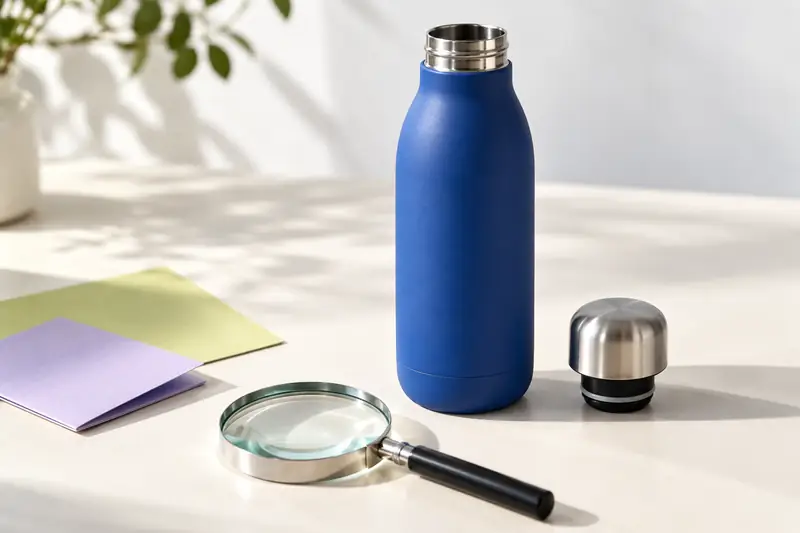
'Make it more realistic' leaves too much freedom. 'Remove the light gap beneath the base' identifies the location and desired change. Save the successful version before editing, then compare the object with the original photograph again: fixing a shadow should not cost you the correct cap.
If an important detail keeps changing, do not continue an editing chain for the sake of one attractive setting. You can generate the background separately and place the cut-out original product over it in an editor. This gives more control over the product, although the edge and shadow still need checking.
EXAMPLE PROMPT
Remove the light gap between the bottle's base and the table. Refine only the contact shadow: soft, meeting the base and consistent with light from the left. Keep the bottle, background and camera position unchanged. Check the product's appearance against the original photograph.
Check downsizing and cropping
Reduce the image to card size. Is the product immediately visible, or lost against the background? Then enlarge the file: ragged edges, invented texture and label errors become visible there. Check final cropping too, especially the cap, handles and the contact area with the surface.
Save the source, chosen result and prompt together. For another product color or model, start from its own photograph. A successful background can guide a series, but product fidelity needs checking in every frame.