WHAT IT DOES
Features
in detail.
- New images from text descriptions
- Editing photographs with words
- Multiple references in a supported mode
- Style library and compatible LoRAs
Treat the task as planning a shoot
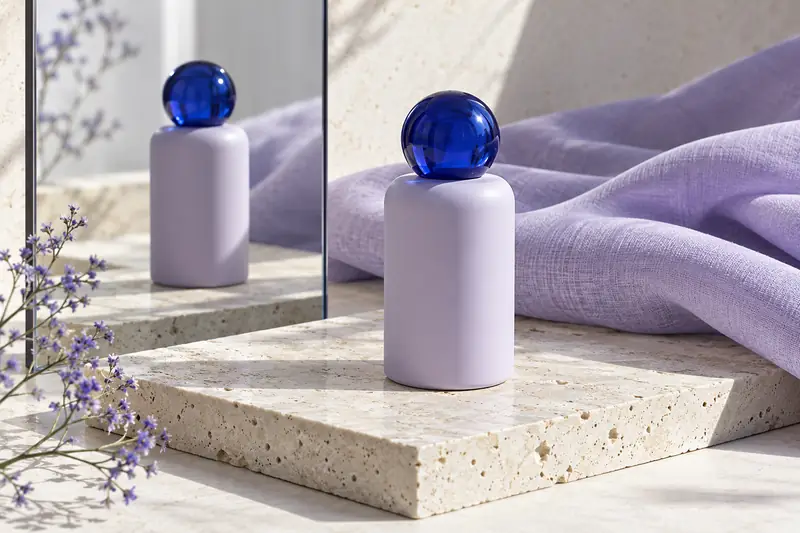
Naming the item alone is insufficient for a product shot. Describe the surface, setting and lighting: soft window light from the side, a dense shadow beneath the object or diffused studio light. Add viewpoint and text space for a banner. This connects details into one scene rather than a random collection of attractive features.
Flux can explore images freely or change an existing image. For editing, split the prompt into what changes and what stays. Request a new background and lighting while preserving object shape, position and color, for example. Compare each iteration with the source, especially for commercial product photography.
Give each reference a purpose
In Flux's main mode, YesAI lists support for multiple images, up to ten source files. When using more than one, explain their roles. One photograph can define the object, another the palette and a third the composition. Otherwise, the model may combine features differently than intended. Avoid incompatible requirements for the same element.
Library styles and LoRAs help explore visual treatments. A LoRA is an additional model adjustment for particular features, not a universal filter for every version. YesAI describes compatibility separately for Flux branches; choose add-ons in the appropriate mode's settings. Start with few influences so each change has an understandable cause.
Test the idea first, then build a series
For an image series, prepare a short fixed brief: object, palette, background character and lighting. Change only the scenario or viewpoint. This eases comparison and reveals lost visual connections. For product series, separately compare geometry, markings and detail count with the source.
For a first attempt, choose one objective, such as three packaging settings. Do not simultaneously replace the person, clothes, furniture and time of day. After opening YesAI from the form, add required photographs and check settings. Text travels through the URL; files remain a separate step in the service.
Suitable tasks
- Scene for a product listing
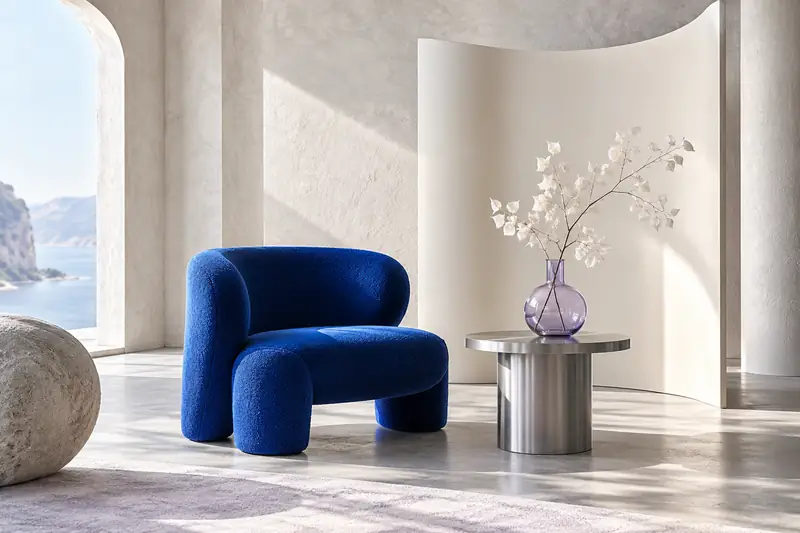
- Interior concept
- Advertising illustration
- Different presentations of one object
Things to consider
- Available Flux branches differ in capabilities.
- A LoRA must be compatible with the chosen model.
- After working from a reference, compare shape, color and small details with the source.
FROM AN EXAMPLE TO YOUR OWN IDEA
Where to start a prompt
Choose an example and insert your own details.
Product scene
Create a product shot: a matte ceramic cup on light stone, soft side light from a window, a close-up at a slight angle. Leave clean text space on the right. A calm, cool palette, no lettering or extra objects.
Change the setting
After uploading the photograph, preserve the backpack's shape, proportions and color. Replace the setting with a bright studio and concrete floor. Soft lighting and a natural shadow. Do not add pockets, straps or logos absent from the source.
Source files are needed. Upload them in YesAI first, then add this description.
Add source files in YesAIWorkflow
- 01
Define the composition and unchanging object features.
- 02
Open Flux and upload references if needed.
- 03
Check geometry, materials and retained details.
A FEW MORE ANSWERS
Questions about Flux
Why use several source photographs?
They can define different parts of the future scene. Explicitly label which source supplies the object, which the lighting reference and which only guides composition.
Will any LoRA work?
No. Compatibility depends on the model branch. Choose an add-on for the Flux mode currently open in YesAI.
Can I change only the background?
YesAI lists text-based image editing. Ask for a background change and separately list object features that must remain, then compare the result with the original.