WHAT IT DOES
Features
in detail.
- Creating video from text
- Animating a starting image
- First-and-last-frame mode
- Different durations and capabilities depending on the version
Describe the sequence, not just the appearance
Time matters in a video prompt. State what happens first, which movement develops and how the scene ends. One action is enough for a first attempt: a curtain sways, the camera slowly approaches an object or a boat follows the shoreline. Several parallel events are harder to coordinate and check.
Separate object movement from camera movement. Asking a cup to turn and asking the camera to move around it imply different staging. Specify pace and character: smooth, without jerks, at a constant distance from the object. Setting, lighting and artistic technique support the action, but should not bury it beneath a long list of unrelated details.
Use source frames as anchors
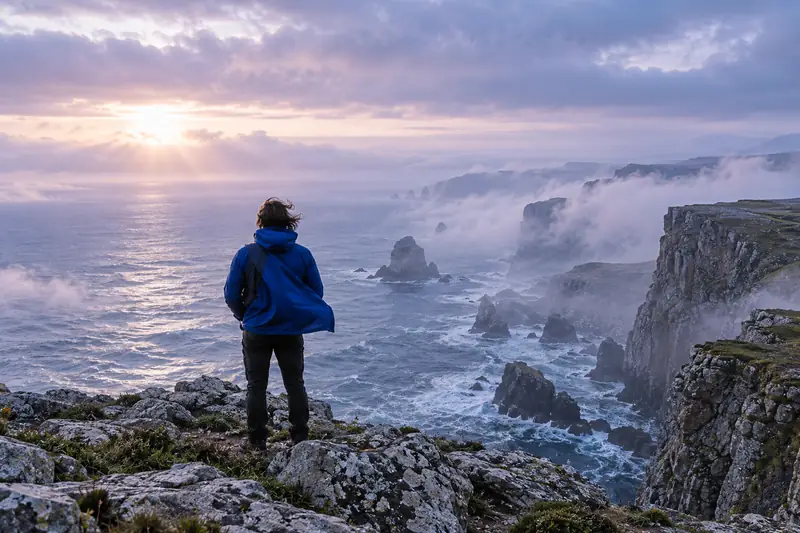
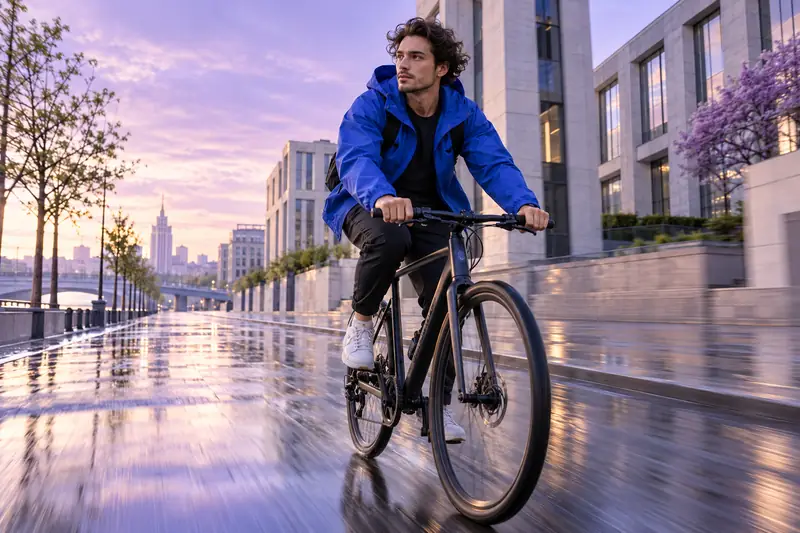
In YesAI, Kling accepts a first frame or first and last frames. The starting photograph defines the beginning; two images define desired boundary states. A clear transition is still needed between them. If their angles, lighting or object shapes differ greatly, the model may interpret those changes unexpectedly.
Before animating an illustration, choose what should move and what should stay in place. Leaves might sway while the house and horizon remain stable. For a product, shape, label and fastenings matter; check them in the middle of the video as well as the first frame.
Choose settings in the service itself
In the selected Kling version's settings, check duration, sound and available actions. Extension depends on the mode and supports suitable videos created in YesAI.
For a video series, fix shared principles: camera pace, light direction and background character. Assess each clip in full, including transitions, object edges, faces and limb movement. The form sends a textual scene to YesAI. To animate your own photograph, add it in the model interface, then refine the prompt around the source frame.
Suitable tasks
- Short video about an object
- Animating an illustration
- Atmospheric scene for a project
- Testing camera movement before filming
Things to consider
- Sound and duration depend on the selected version.
- Extension in YesAI is not available for every mode or source.
- Complex action and abrupt changes increase distortion risk.
FROM AN EXAMPLE TO YOUR OWN IDEA
Where to start a prompt
Choose an example and insert your own details.
Product video
One continuous shot: a ceramic vase stands on a light table. The camera moves very slowly in an arc from left to right, staying at a constant distance. Soft window light, a stationary background. The vase's shape and color remain unchanged, no text or abrupt transitions.
Animate an illustration
After uploading the first frame, animate only clouds and grass: clouds drift smoothly, grass sways slightly. The house, trees and horizon retain their shapes and positions. A static camera, calm natural motion and no new objects.
Source files are needed. Upload them in YesAI first, then add this description.
Add source files in YesAIAtmospheric scene
A quiet waterfront early in the morning. The camera slowly approaches a wooden bench, with small ripples on the water and light mist by the shore. One smooth shot, a cool palette, no people, lettering or scene changes.
Workflow
- 01
Choose one action and a camera path.
- 02
Open Kling, check the version and add frames if needed.
- 03
Watch the whole video and check detail stability.
A FEW MORE ANSWERS
Questions about Kling AI
Can I animate my own photograph?
YesAI describes a first-frame mode for Kling. Upload an image and describe object and camera movement.
What is the final frame for?
It defines the desired final state in a supported mode. Explain the transition between the two images and check their consistency in scene and viewpoint.
Will the video have sound?
Sound depends on the selected Kling version. Check its availability in YesAI settings before sending.